
You send your logo to a printer for business cards, then upload the same file to your website, then hand it to an apparel vendor for embroidered polos – and suddenly everyone is asking for something different. That is exactly why logo file formats explained matters for growing businesses. The wrong file can lead to blurry print, jagged website graphics, color problems, or extra design charges you did not plan for.
Most companies do not need to become design experts. But they do need to understand enough to keep projects moving, protect brand quality, and avoid paying twice for the same work. If your logo is going to appear on signage, brochures, websites, social media, trade show displays, and promotional products, file format confusion becomes a real operational problem, not just a design detail.
Logo file formats explained for real-world use
The simplest way to understand logo formats is to split them into two groups: vector files and raster files. That distinction affects almost everything – print quality, resizing, editing, and where the file should be used.
Vector files are built from paths and shapes, not pixels. That means they can scale up or down without losing quality. If you need a logo on a small business card today and a 10-foot banner next month, vector is what keeps the artwork sharp in both places.
Raster files are made of pixels. They work well in many digital settings, but they lose clarity when enlarged beyond their original size. A PNG that looks perfect on a website can fall apart when someone tries to use it for a vehicle wrap or retractable banner.
This is where many businesses get tripped up. They assume a logo is a logo, regardless of format. In practice, each file type has a job, and using the wrong one usually creates delays, extra revisions, or quality issues.
The core logo file types you should know
AI and EPS for master artwork
AI is an Adobe Illustrator file. In most cases, this is one of your primary source files. It is editable, vector-based, and ideal for future logo updates or production work handled by a designer.
EPS is also a vector format and has long been a standard for printers, sign shops, and promotional product vendors. Some vendors still request EPS specifically because it works well across older production systems. If a supplier asks for a vector logo, an AI or EPS file is usually what they mean.
For business owners, the key point is simple: these are not everyday files you will drag into social media posts yourself, but they are critical to keep on hand. They are the files that protect your logo from quality loss and allow proper scaling across professional applications.
SVG for web and digital flexibility
SVG is a vector file made for digital use. It is especially useful for websites because it stays crisp on different screen sizes and resolutions. A logo in SVG format can look cleaner than a raster file on modern devices, especially when used in website headers, icons, and responsive layouts.
That said, SVG is not always the default choice for every digital platform. Some systems and third-party tools do not handle it well, so there are times when a PNG is still the practical option. The best format depends on the platform you are using and who is implementing it.
PNG for transparency and everyday marketing use
PNG is one of the most useful logo formats for daily business needs. It is raster-based, but it supports transparent backgrounds, which makes it ideal for placing your logo on websites, presentations, social graphics, and many digital marketing materials.
If someone on your team needs to drop the logo onto a colored background without a white box around it, PNG is usually the right choice. It is easy to use and widely supported. The trade-off is that it is still a pixel-based file, so it is not a replacement for vector artwork when large-format printing is involved.
JPG for photos, not preferred for logos
JPG works well for photographs because it compresses image data into smaller file sizes. For logos, though, it is often less than ideal. JPG does not support transparency, and repeated saving can reduce image quality.
That does not mean JPG is useless. It can be fine for simple office use, quick document placement, or online situations where transparency does not matter. But if JPG is the only logo file your business has, that is usually a sign your brand assets are incomplete.
PDF as a practical sharing format
PDF can be either vector or raster depending on how it was created. That is why PDFs are helpful but sometimes misunderstood. A properly exported vector PDF can be excellent for sharing logo artwork with printers or vendors. A low-quality PDF made from a screenshot is a completely different story.
When a vendor asks for a PDF, it is worth confirming whether they need a print-ready vector PDF or simply a proof. The file extension alone does not guarantee quality.
Which logo format should you use?
The answer depends on the job. For professional printing, signage, embroidery digitizing, and large promotional applications, vector files like AI, EPS, and sometimes PDF are usually the safest choice. For website use, SVG is often excellent, with PNG as a strong backup. For everyday office use or simple digital placement, PNG often covers the need better than JPG.
What matters most is not picking one format to use forever. It is building a complete logo package so your team has the right file ready when a project comes up. That saves time, avoids back-and-forth with vendors, and keeps your brand looking consistent.
Common mistakes businesses make with logo files
One of the biggest mistakes is assuming a screenshot or website download counts as a usable logo file. It may look acceptable on a laptop screen, but it will usually fail in print production. Low-resolution files are one of the fastest ways to create delays and rework.
Another common issue is storing only one version of the logo. A business may have a full-color horizontal logo in PNG format and nothing else. Then a vendor needs a one-color version for embroidery, or a stacked version for a square social profile, or a vector file for signage. Without those assets prepared in advance, every new project becomes a small fire drill.
Color is another area where file choices matter. A logo designed for digital use in RGB may need to be adjusted for CMYK printing. Most business owners do not need to manage those conversions personally, but they should know that colors can shift between screen and print if files are not prepared correctly.
There is also the problem of version control. Teams often end up with folders full of files named Final Logo, Final Logo New, Final Final Logo, and Use This One. That confusion leads to outdated branding, incorrect colors, and inconsistent public-facing materials.
What a complete logo package should include
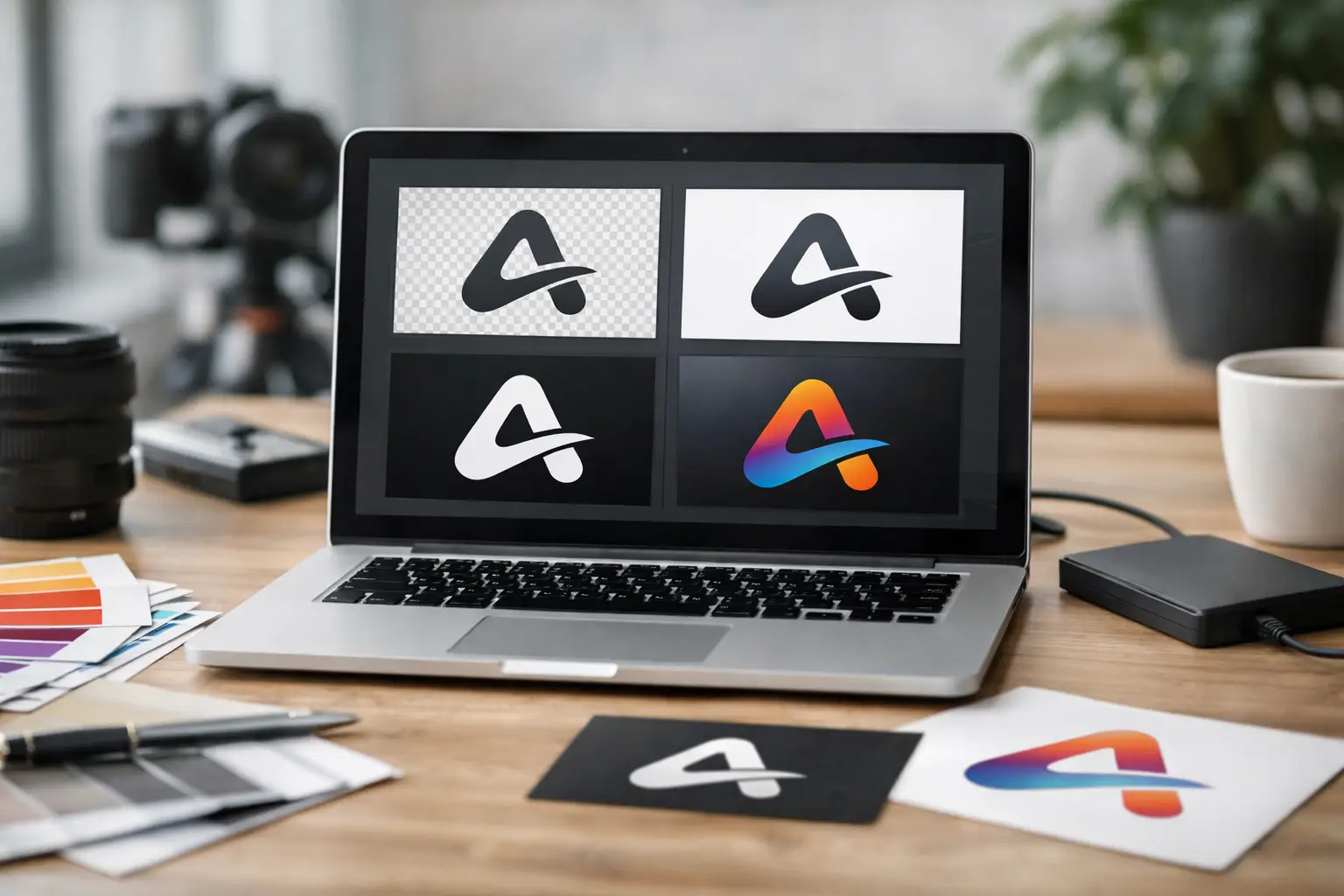
A strong logo package is less about volume and more about usefulness. In most cases, your business should have vector master files, web-friendly files, transparent background files, and alternate logo versions for different layouts and production needs.
That usually means a primary logo, a one-color version, a reversed version for dark backgrounds, and horizontal and stacked layouts if the brand system calls for them. It also helps to organize files clearly by print and digital use. When your logo assets are built this way, every future project gets easier.
This is where working with a partner that understands design, print, web, and promotional production under one roof can reduce headaches. Echo Brand Geeks sees this issue all the time – businesses are not struggling because they lack ideas, but because their files are not set up for real-world execution.
Logo file formats explained without the jargon
If you remember only one thing, remember this: vector files are your source of truth, and raster files are your convenience files. You need both, but they are not interchangeable.
AI, EPS, and many PDFs are the files that preserve quality and give vendors what they need for production. SVG helps your logo stay sharp online. PNG handles a wide range of day-to-day digital uses. JPG has limited use for logos and should not be your only asset.
A professional logo is not finished when it looks good on screen. It is finished when it works everywhere your business shows up – from your website and email signature to trade show signage and branded merchandise. That is what makes file formats worth understanding.
Before your next print run, website refresh, or promo order, take five minutes to check what logo files you actually have. That small step can save you a surprising amount of time, money, and avoidable frustration later.